Local environment checker tool
Purpose
This tool was designed to ensure that a local environment development matches all mandatory requirements before a developer can start working on the code of a Creedengo plugin.
Requirements
This tool was created on Mac OS X environment. Please feel free to report any issue.
Tested on:
-
🍎 macOS: 12.6.3 / 13.1 / 13.2 / M1 pro 13.0.1
-
🐧 Ubuntu: 22.04.1 LTS
-
🪟 Windows: 10 Famille
Files
-
_core.sh🍎🐧: file containing core functions used by checker tool (macOS / Linux) -
check_requirements.sh🍎🐧: tool checker (macOS / Linux) -
check_requirements.bat🪟: tool checker (Windows) -
config.txt🍎🐧🪟: file containing the configuration of checker tool (tools, versions, debug)
How does it work?
You can change the configuration in config.txt before running the tool if you wish.
|
-
🍎🐧 macOS / Linux:
-
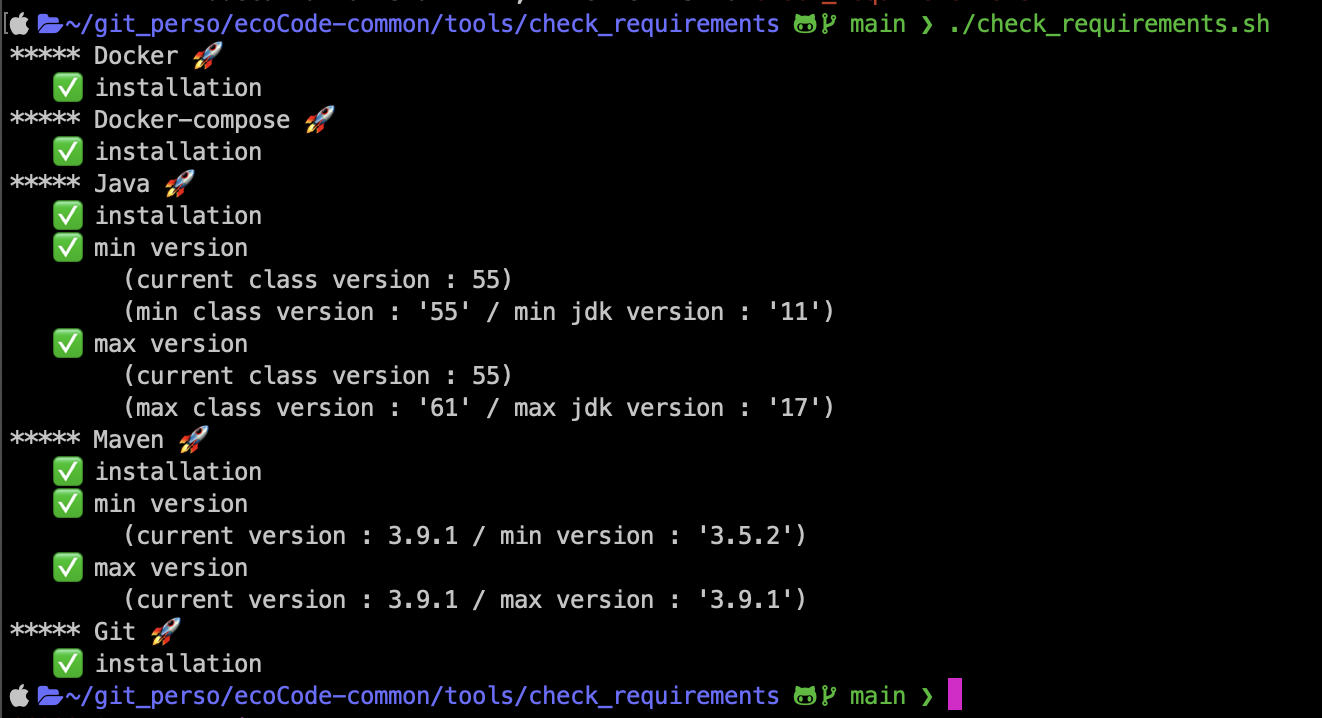
Run
check_requirements.shto check the local environment.
-
-
🪟 Windows:
-
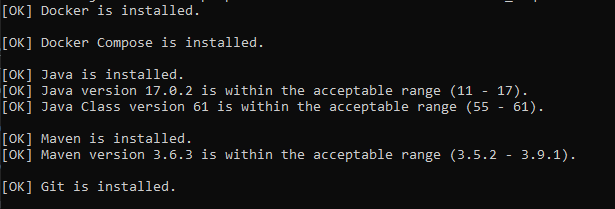
Run
check_requirements.batto check the local environment.
-
If you install a new tool, you might need to restart your terminal/prompt before running the script again.
(The PATH variable must be refreshed.)
|